
THE ULTIMATE EDITING COURSE


Your Editing Struggles End Here
Master Every Editor for Only $47
No More Wasted Time Dealing With Overcomplicated Courses
I get it, you want to learn editing, but you don't have time to watch a 15 hour long boring course.
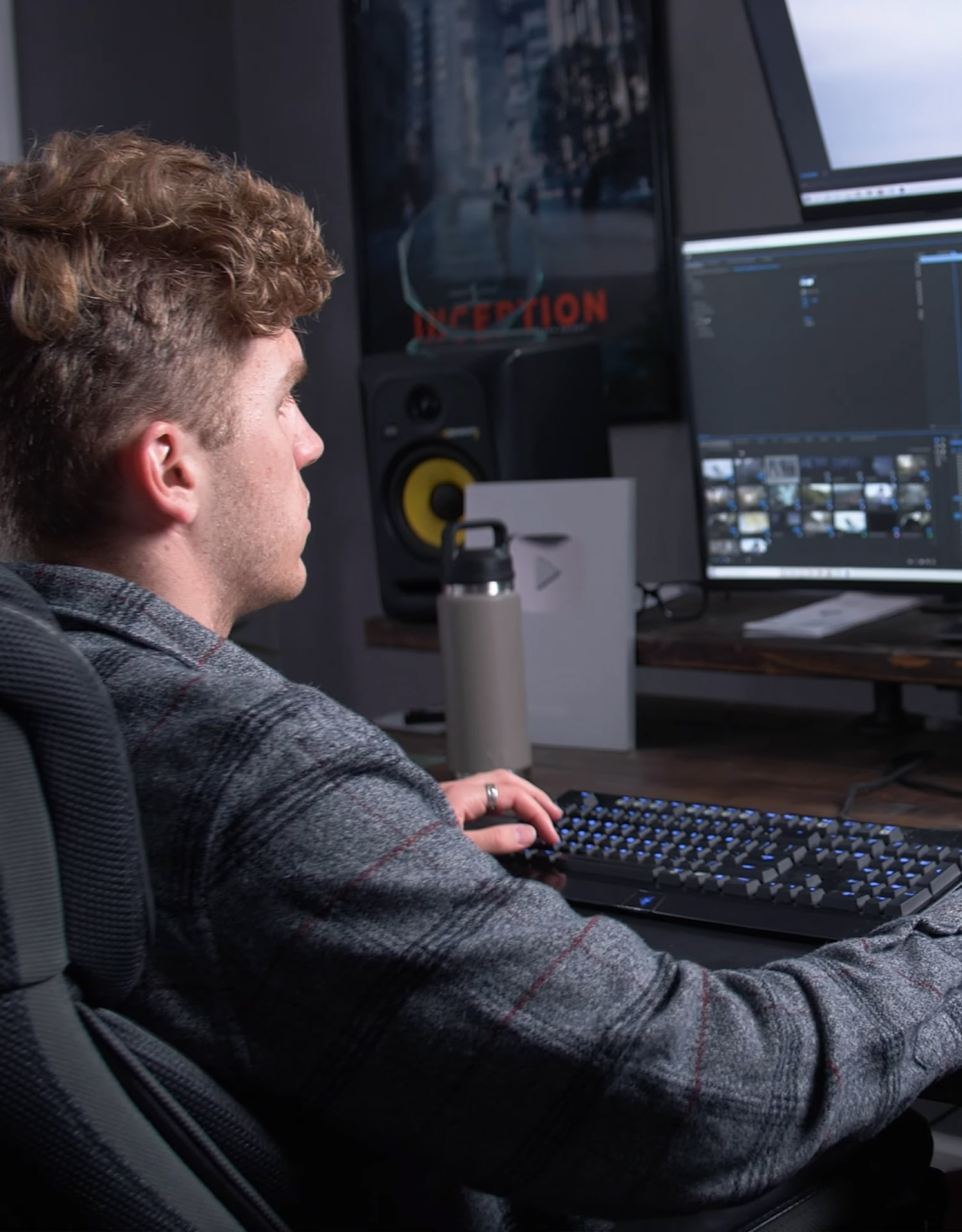
The frustration of wasting hours clicking through menus, watching endless tutorials, and still not knowing how to cut, color, or export your video the right way…
But here’s the good news: you don’t have to slog through 9-hour ‘marathon courses’ that bore you to death.
With Master Editing, you’ll learn all 4 major editing platforms at lightning speed, without the fluff, without the wasted time, and without the overwhelm.
In just a fraction of the time, you’ll have the confidence and skill to jump into any project, no matter which software you choose. So keep reading, because I’m going to show you exactly how it works…”.
Before / Old Way
20 Hour "Slog Fests" of a Course
No Downloadable Assets
ZERO Practical Applications
No Job Shadows and Live Edits
ZERO Community Support
Master Editing
Quick and Efficient Training
RAW Footage to Follow Along With
Real Life Video Applications
Full Editing Job Shadows and Live Edits
Community of Like Minded Editors
What's Inside When You Join
Choose Your Editor of Choice and Get Fast Results
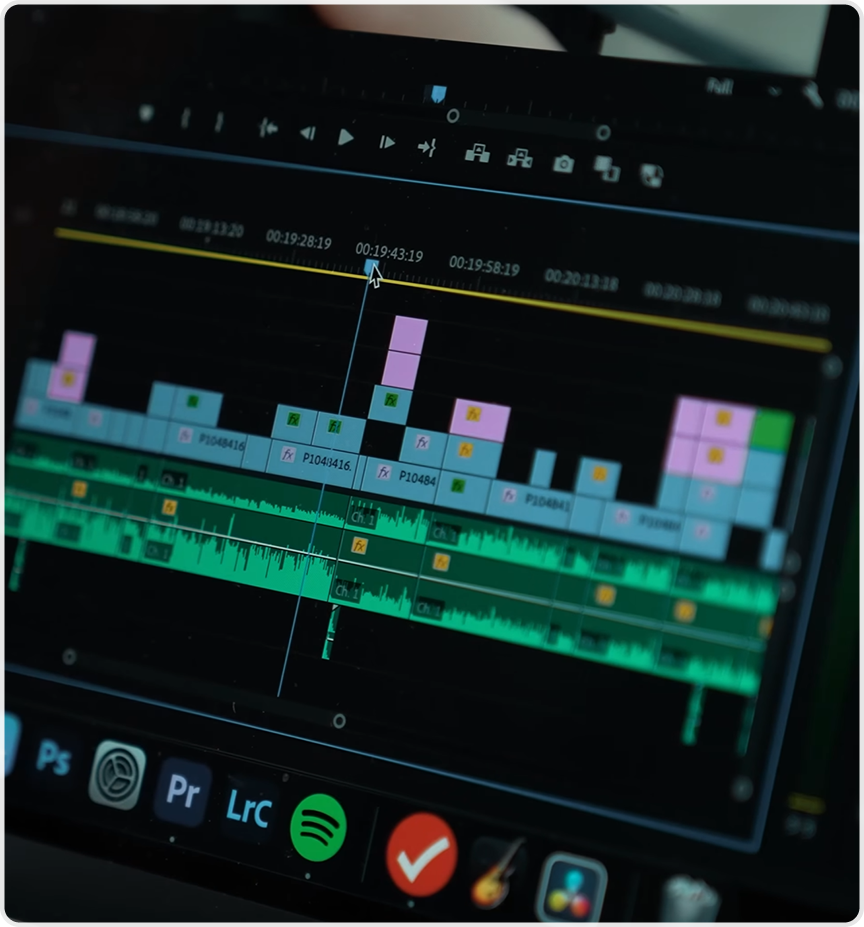
Adobe Premiere Pro
Learn how to navigate Adobe Premiere Pro like an expert and feel confident when you open your editor.
This course will change how you edit in only 2 Hours
25+ Training Videos
Master Premiere In 2 Hours
Digital Downloads
LIVE Editing/Job Shadows
Lifetime Access
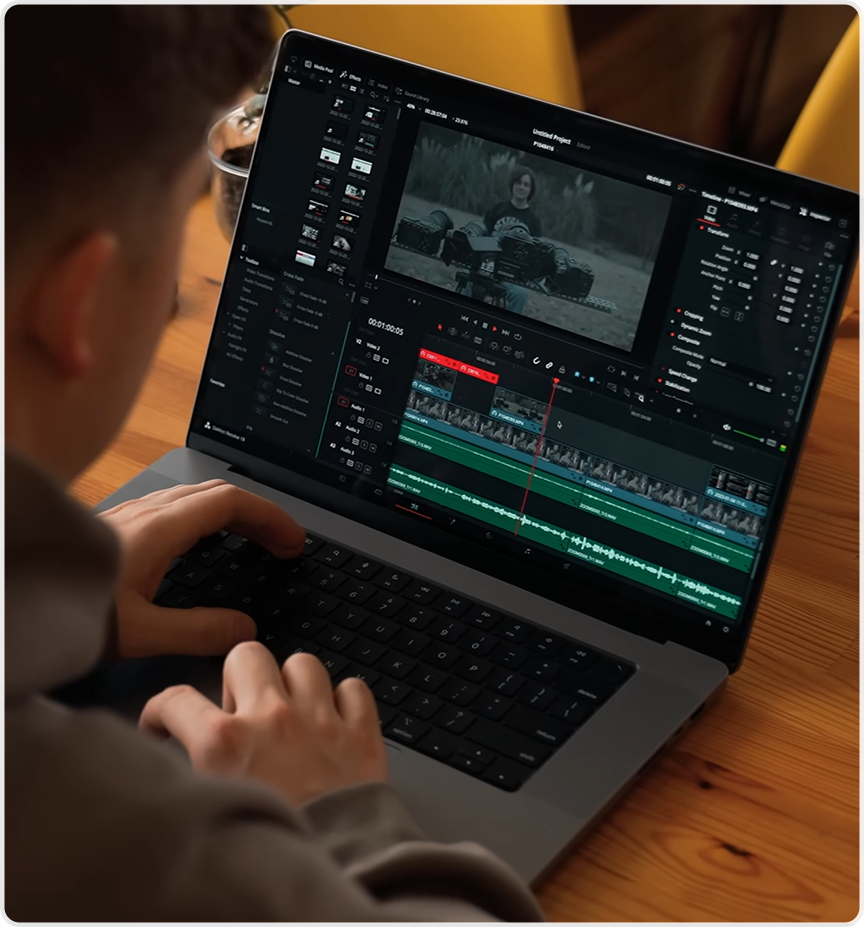
DaVinci Resolve
Master color grading, cutting, and effects in DaVinci Resolve without the confusion. In just 2 hours, you’ll feel right at home inside one of the most powerful editors in the world.. And...the editor is FREE!
15+ Training Videos
Master DaVinci in 2 Hours
Digital Downloads
Lifetime Access
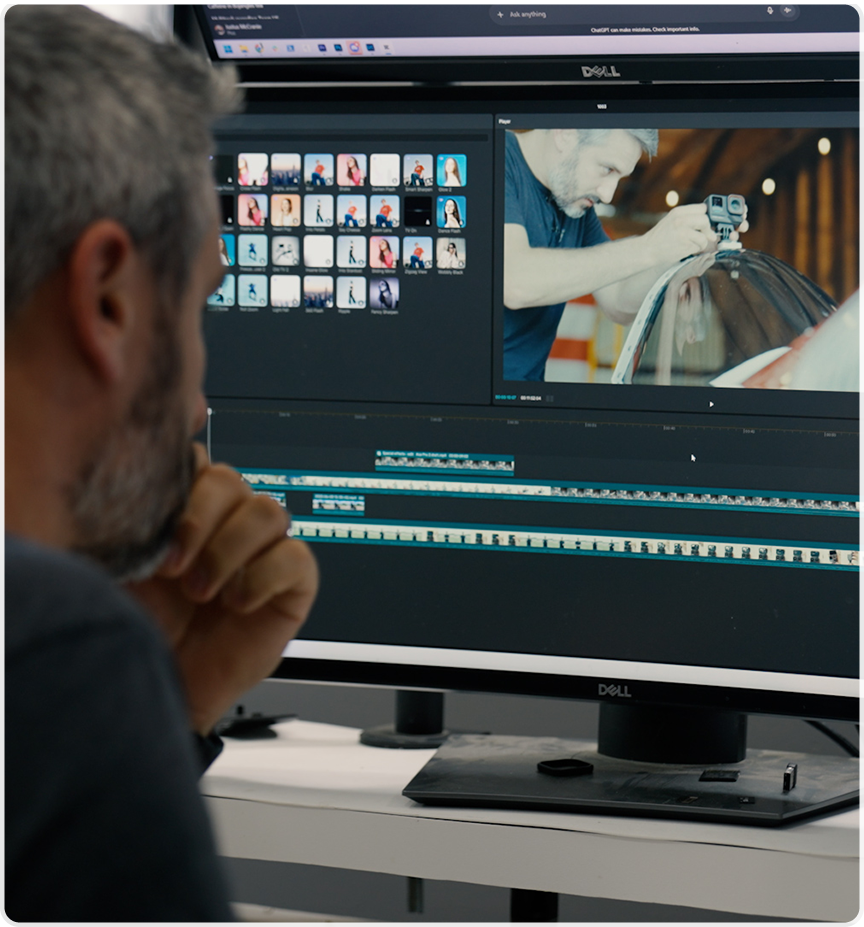
Capcut
CapCut doesn’t have to be just for simple edits. In under 2 hours, we’ll walk you through the tricks, tools, and techniques that will make your videos stand out anywhere you post them
35+ Training Videos
Master Capcut in 2 Hours
Digital Downloads
LIVE Editing/Job Shadows
Lifetime Access
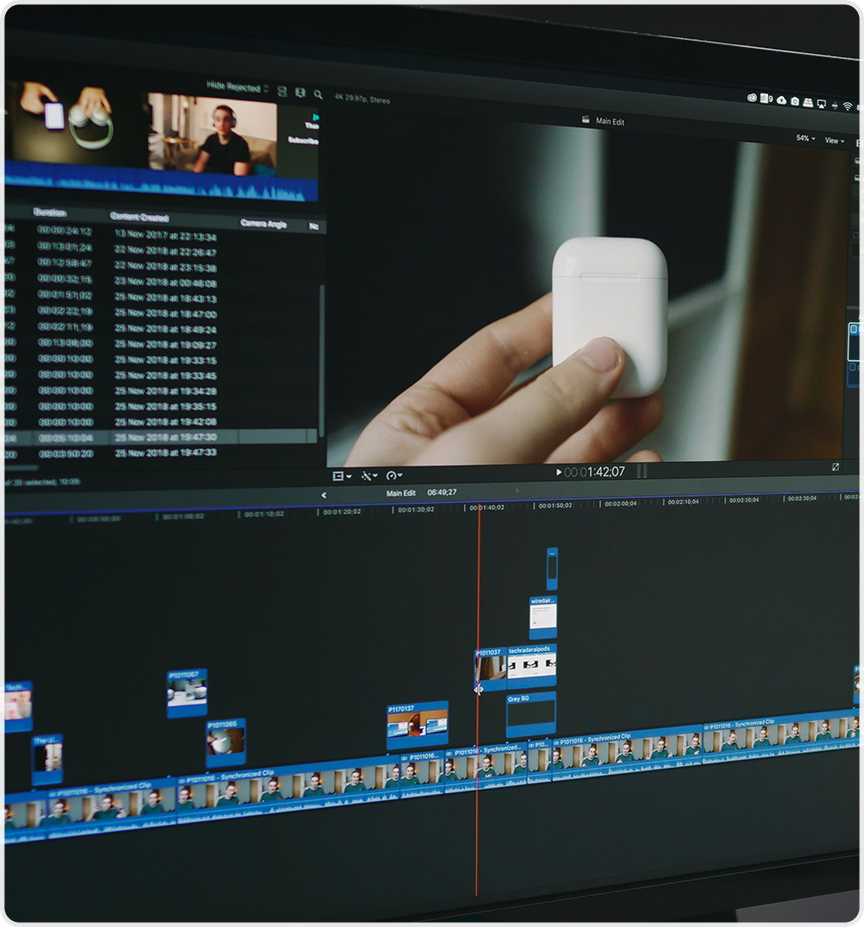
Final Cut Pro
Editing in Final Cut Pro X has never been faster. In only 2 hours, you’ll know how to cut, arrange, and export with confidence—so you can focus on creating, not fumbling with settings.
24 Training Videos
Master FCP in 2 Hours
Digital Downloads
Lifetime Access
Who's This Perfect For
beginners
Vloggers
Creators
Gamers
Podcasters
Influencers
Entrepreneurs
Filmmakers
Musicians
beginners
Vloggers
Creators
Gamers
Podcasters
Influencers
Entrepreneurs
Filmmakers
What Our 40,000+ Students Are Saying

"Editing makes sense now."
"I had been editing for years but never felt confident in my decisions. This course helped me understand pacing, structure, and why certain cuts work instead of just guessing."
- Alex Martinez


"I feel confident"
"Master Editing showed me how to approach edits with a clear process. My timelines are cleaner, my edits are faster, and my videos feel more intentional. Best of all, I am actually confident in my edits. THANK YOU!"
- Ryan Thompson

"This changes how I edit"
"I now notice story, rhythm, and flow in everything I edit. It completely shifted how I think about scenes and sequences. Also, I can now edit in every single editor. Haha! I've always wanted to say that."
- Chris Lawson
Unlock Free Exclusive Bonuses When You Get This Offer Today!
Exclusive Bonuses that will be Available To You Today Just By Signing Up
Bonus Number 1:
Color Grading Masterclass
($197 Value)
Learn how to create incredible cinematic images using color grading inside DaVinci Resolve and Premiere Pro
50+ Training Videos
Exclusive Downloads to Practice With
Exclusive LUTS and Presets
Bonus Number 2:
The VFX Blueprint
($147 Value)
Learn How to Add High Quality Effects To Any Project That You Are Working On
30+ VFX Training Episodes
From Green Screen To Lightsabers
Exclusive VFX Downloads and Assets
The VFX Blueprint
($147 Value)
Learn How to Add High Quality Effects To Any Project That You Are Working On
30+ VFX Training Episodes
From Green Screen To Lightsabers
Exclusive VFX Downloads and Assets
Bonus Number 3:
Exclusive LUTS And Assets
($147 Value)
Save Time And Download All Of Our Most Used LUTS And Editing Assets
Download Our Most Used LUTS
Get Exclusive Editing Presets
Our Transition and SFX Pack
Bonus Number 4:
Keyboard Shortcuts
($97 Value)
Speed up your editing workflow by using our custom keyboard short cuts we have developed over 10 years.
Downloadable Keyboard Shortcuts
Exclusive Shortcut Training
Premiere Pro, DaVinci Resolve, Final Cut Pro
Keyboard Shortcuts
($97 Value)
Speed up your editing workflow by using our custom keyboard short cuts we have developed over 10 years.
Downloadable Keyboard Shortcuts
Exclusive Shortcut Training
Premiere Pro, DaVinci Resolve, Final Cut Pro
Bonus Total = $588
Get All 4 Bonus for FREE
Become a Master
Editor

Get instant access to:
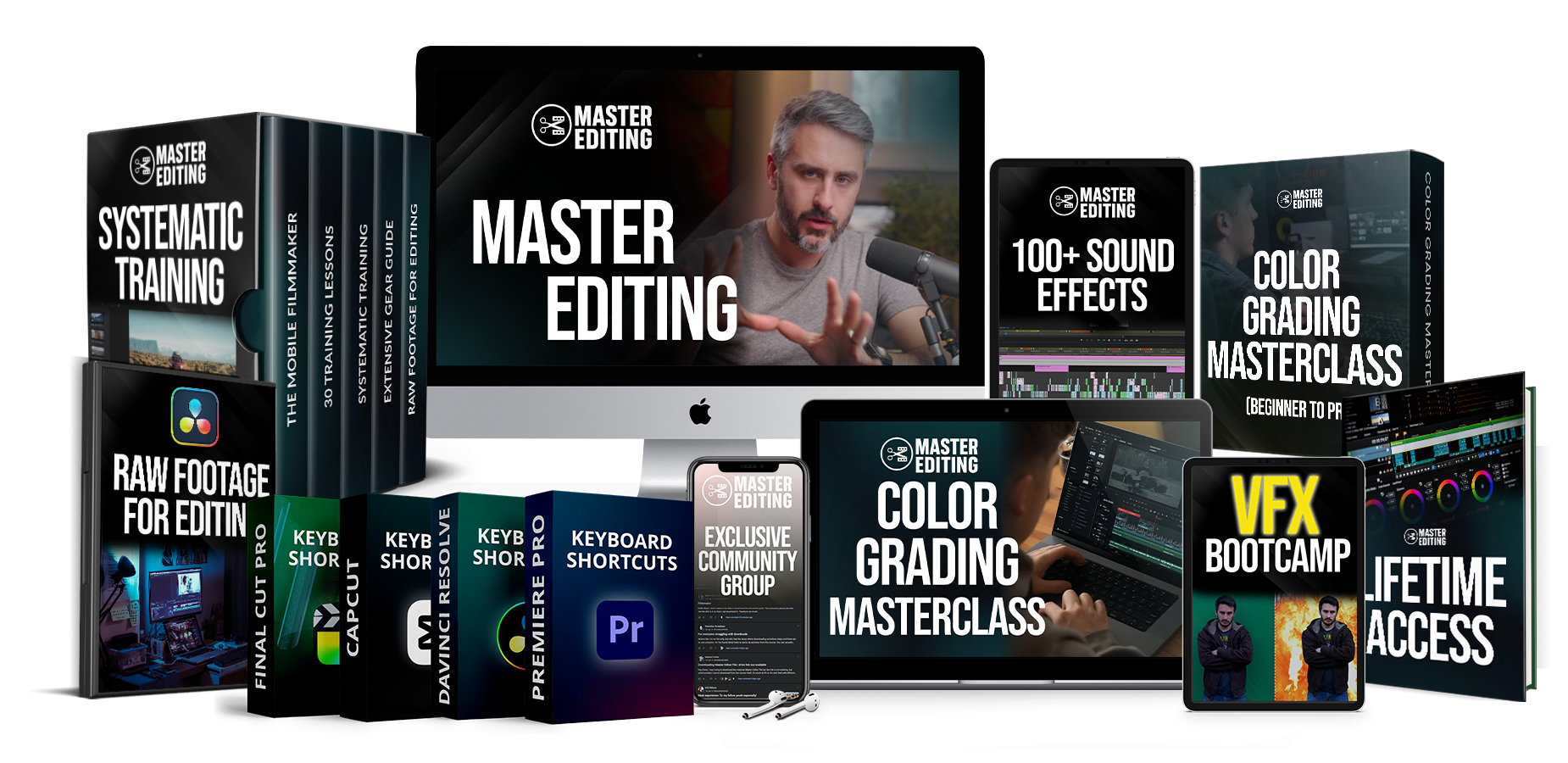
Master Editing Course (100+ Videos)
Color Grading Masterclass ($197 Value)
The VFX Blueprint ($147 Value)
Exclusive LUTS and Assets ($147 Value)
Keyboard Shortcuts ($97 Value)
$2,000 In Discounts
Lifetime Access
Total value: $997
Today Just: $47

TRY IT RISK FREE
100% Money Back Guarantee
"We’re confident you’ll love Master Editing. But if for any reason you’re not completely satisfied within
14 days of joining, just send us an email and we’ll give you a full refund. No hassle, no hard feelings, just our promise to make sure you’re taken care of."
- Justus McCranie, Founder


TAKE A PEAK INSIDE
Watch a Free Demo On How To
Master Premiere Pro in 20 Minutes
No contracts - cancel anytime
GOT QUESTIONS? LET'S ANSWER THEM!
Frequently Asked Questions
Instead of sending us an email, we will go ahead and answer your questions...
Q1: Do I need prior editing experience to take this course?
Not at all! The course starts at the fundamentals and builds up step by step. Beginners will learn how editing actually works, while experienced editors can jump straight into specific software, workflows, or advanced techniques.
Q2: Which editing programs are covered?
You will learn editing across multiple major platforms, including industry-standard and beginner-friendly software.
We include training on Adobe Premiere Pro, DaVinci Resolve, Final Cut Pro X, Capcut and Hitfilm Express.
Q3: Is this just editing theory, or will I learn the technical skills?
This course focuses heavily on hands-on, technical editing. You will learn timelines, trimming, audio syncing, color basics, effects, exports, project organization, and real workflows used on professional projects.
Q4:Can I use this course for client work or professional projects?
Yes. The training is built around real-world editing scenarios, not just personal projects. You will learn how to edit efficiently, stay organized, meet deadlines, and deliver polished videos for clients or your own productions.
Q5:What if I only want to learn one editor right now?
You can focus on a single editing program and ignore the rest. The course is structured so you can follow only the software you care about, then come back later if you decide to learn additional editors..
Q6:How long do I have access to the program?
This is a lifetime membership! So once you sign up, you get access to all the editing training and assets for life! No subscriptions or price hikes.
Copyrights 2026 | Master Editing™ | Terms & Conditions